
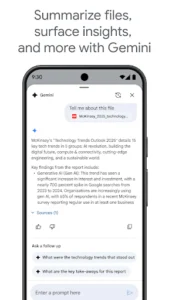
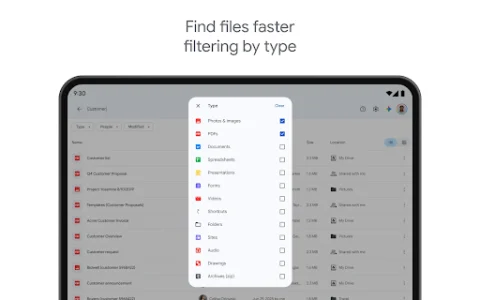
Managing your digital files across multiple devices and sharing them effortlessly can often be a challenge. Google Drive emerges as an indispensable cloud storage and synchronization service, providing a secure and centralized hub for all your documents, photos, videos, and more. This powerful platform ensures your important data is always accessible, organized, and ready to be shared, transforming how individuals and teams collaborate and interact with their digital content.
Seamless Cloud Storage
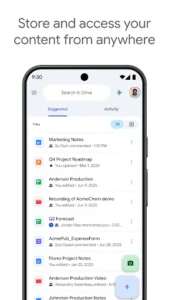
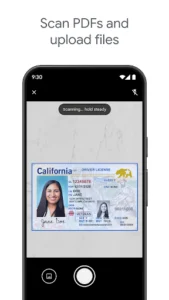
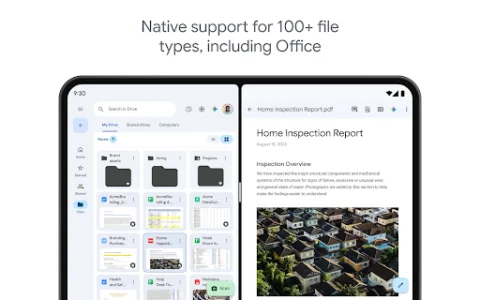
This application offers users a generous amount of free storage space, with options to expand as needed. It functions as a virtual hard drive, allowing you to upload virtually any file type and keep your digital life neatly organized. Whether it’s large video projects, extensive photo albums, or critical work documents, the service provides a reliable sanctuary for your data, freeing up local device storage and ensuring everything is backed up in the cloud.
Effortless File Sharing
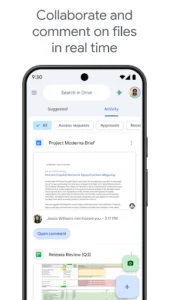
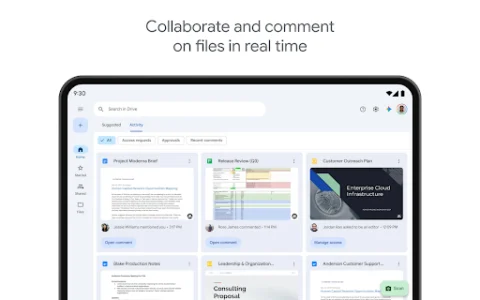
One of the platform’s most compelling features is its streamlined approach to sharing. Users can easily grant access to files and folders with specific individuals or generate shareable links with various permission levels, such as view-only, comment, or edit. This capability is invaluable for collaborative projects, enabling teams to work together on documents in real-time, share feedback, and ensure everyone is always working with the latest version.
Integrated Productivity Tools
The experience extends beyond mere storage by deeply integrating with Google Workspace applications like Docs, Sheets, and Slides. This integration allows users to create, edit, and store these documents directly within the app, eliminating the need to download and re-upload files. It fosters a truly connected workflow, where a presentation can be started on a computer, refined on a tablet, and shared instantly for review, all within the same ecosystem.
Robust Security Measures
Security is paramount for any cloud service, and this tool employs industry-leading encryption and robust security protocols to protect your data. Files are encrypted both in transit and at rest, safeguarding your information from unauthorized access. The platform also includes features like two-factor authentication and detailed activity logs, providing peace of mind that your personal and professional data remains secure and private.
Universal Access Anywhere
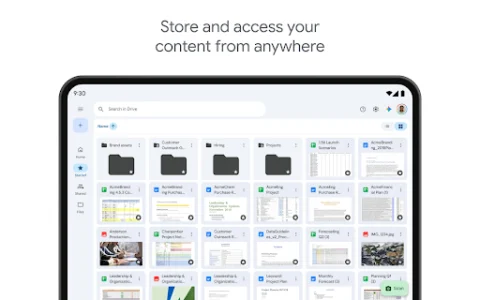
The true power of this cloud solution lies in its omnipresent accessibility. Your files are not tethered to a single device; instead, they are available from any internet-connected computer, smartphone, or tablet. This means you can start a project at the office, continue working on it during your commute, and finalize it from home, ensuring productivity is never interrupted, regardless of your location or the device you’re using.

















Write a review